Ergonomic Office Chairs: The Top 5 Best Models for the Office
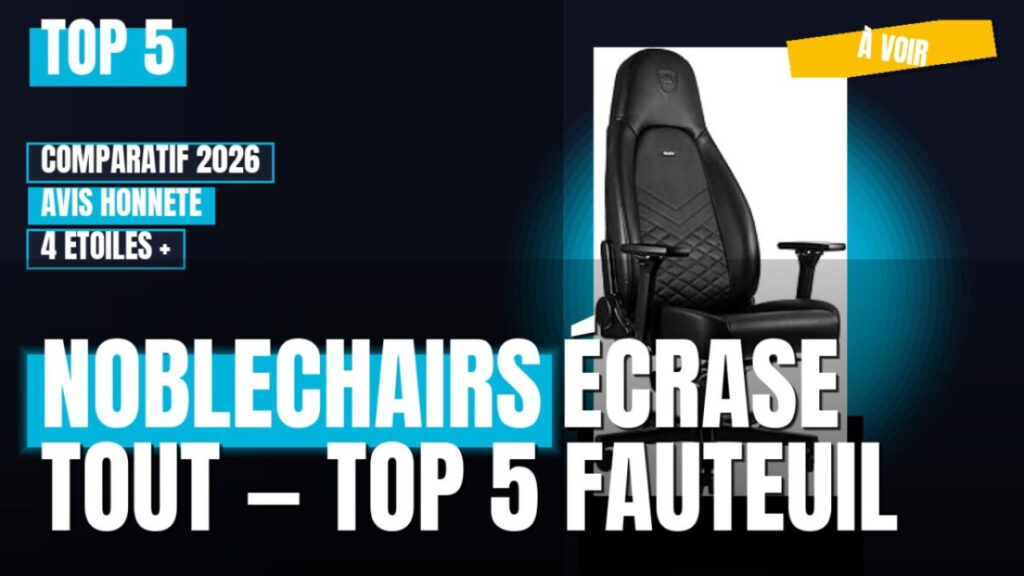
Face à la multitude de modèles et de gammes de prix, comparer objectivement les fauteuils ergonomiques pour le bureau relève du casse-tête. Ce comparatif détaille les approches possibles : les références haut de gamme comme Herman Miller Aeron ou Steelcase Leap V2, les alternatives intermédiaires et les modèles à bon rapport qualité-prix comme Sihoo M18 ou Hbada E3 Air. L’objectif est de vous donner des critères techniques précis pour trancher selon votre morphologie, votre usage et votre budget.
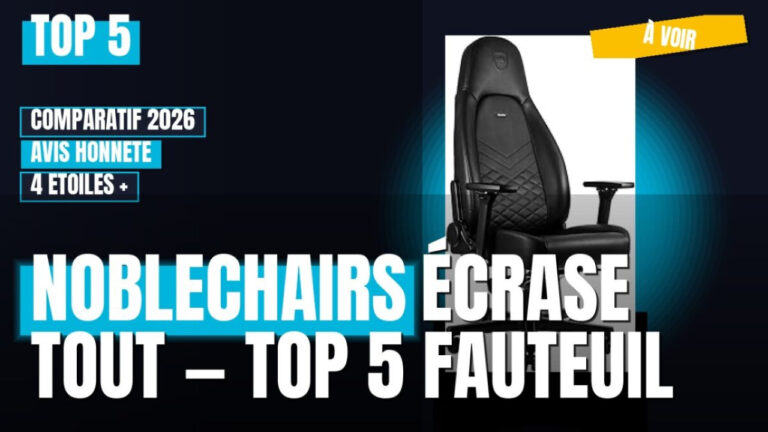
The Essentials
- High-end office chairs (such as the Herman Miller Aeron and Steelcase Leap V2) feature sophisticated tilt mechanisms and a lifespan of 10+ years, but often cost more than €1,000.
- Les modèles intermédiaires (Haworth Zody, Steelcase Series 1) proposent l’essentiel des réglages (hauteur, profondeur, accoudoirs 3D, soutien lombaire dynamique) pour un budget de 400 à 800 €.
- Entry-level recliners (Sihoo M18, Hbada E3 Air, Terrana by Kqueo) offer good value for the price but are made with less durable materials and feature more basic mechanisms.
- The number one criterion is still how well the chair fits your body type: weight capacity, seat height, and seat depth should be appropriate for your height and build.
Comparison of the Best Ergonomic Chairs: Options Based on Your Budget
The ergonomic chair market is divided into three distinct segments: high-end professional, mid-range versatile, and affordable entry-level. Each segment meets different needs in terms of daily usage time, available adjustments, and material quality.
| Segment | Representative Models | Price range | Recommended Use | Estimated service life |
|---|---|---|---|---|
| High-end | Herman Miller Aeron, Steelcase Leap V2 | €1,000–1,800 | Heavy use (6+ hours per day), professional environment | Ages 10–15 |
| Intermediate | Haworth Zody, Steelcase Series 1, Union & Scale | €400–800 | Hybrid remote work, moderate daily use | 5–10 years |
| Entry-level | Sihoo M18, Hbada E3 Air, Terrana (Kqueo), ofinto Active, ofinto Ergo | €150–350 | Occasional use, small budget | 2–5 years |
The choice of model depends mainly on how much time you spend sitting each day. A software developer or remote worker who spends more than 6 hours a day sitting should invest in a high-end model, while someone who uses a chair only occasionally can opt for an entry-level model with adequate lumbar support.
The technical features that set the models apart
The difference between an effective ergonomic chair and a standard chair lies in specific technical features: the types of adjustments, the quality of the materials, and the tilt mechanism. Here are the points to check before making a purchase.
- Seat Height : Must be continuously adjustable, with a range suitable for your height (typically 42 to 55 cm from the floor).
- Seat Depth : The seat length can be adjusted from 4 to 8 cm to fit the length of your thighs.
- 3D or 4D armrests : Adjustable for height, width, depth, and rotation to support the forearms without raising the shoulders.
- Dynamic Lumbar Support : a 3D lumbar support that is adjustable in height and depth and follows the movements of the back.
- Synchronous Tilt Mechanism : The backrest and seat move together, maintaining a constant angle between the torso and the thighs.
- Weight Capacity and Supported Size : Each model has an optimal range (for example, 50–120 kg and 1.55–1.95 m) that should be checked before purchasing.
Upholstery materials: leather, fabric, or mesh
The upholstery directly affects the chair's thermal comfort and durability. Breathable mesh is recommended for hot environments, while leather and fabric provide better support but trap more heat.
| Material | Benefits | Disadvantages | Recommended Use |
|---|---|---|---|
| Breathable fabric | Maximum breathability, back support, lightweight | Less lateral support, firm feel | Heavy-duty use, hot climates |
| Fabric | Immediate comfort, wide selection of colors, good support | Odor absorption, more delicate care | Mixed-use, temperate climates |
| Leather (PU or genuine) | Premium design, easy to clean, durability | Summer heat, slippery surfaces, higher prices | Executive office, moderate use |
Flagship Models Analyzed in Detail
Each model meets specific needs. Here is a comparative analysis of the chairs most frequently mentioned in user communities and by ergonomics experts.
| Model | Highlights | Weaknesses | Ideal for |
|---|---|---|---|
| Herman Miller Aeron | Patented breathable mesh, precise adjustments, exceptional durability | Very high price; not all models have 4D armrests | Demanding professionals, heavy-duty use |
| Steelcase Leap V2 | Continuously adjustable lumbar support, synchronous tilt mechanism, excellent ergonomics | High price, less modern design | People with lower back pain |
| Haworth Zody | Adjustable asymmetrical lumbar support, recycled materials, good value for the price | Armrests are less adjustable than those of the competition | Environmentally conscious users |
| Steelcase Series 1 | Essential features at an affordable price, synchronous mechanism | Fewer adjustment options than the Leap V2, firmer seat | Remote Workers with a Moderate Budget |
| Sihoo M18 | Very attractive price, adjustable lumbar support, breathable mesh | Basic tilt mechanism, limited durability | Small budget, occasional use |
| Hbada E3 Air | Breathable mesh, 3D armrests, good lumbar support | Limited weight capacity, average finish quality | Small budget, moderate use |
Does your website feature one of these templates, or are you trying to decide between several options? Contact Us for personalized advice based on your body type and intended use.
Ergonomic Chair vs. Gaming Chair: Structural Differences
The choice between an ergonomic chair and a gaming chair depends on your priorities: dynamic postural support for the former, and enveloping comfort and aesthetics for the latter. The differences are structural, not just aesthetic.
- Tilt Mechanism : Ergonomic chairs use synchronous or asynchronous mechanisms that maintain a constant angle between the torso and the thighs; gaming chairs often use a simpler, constant-contact mechanism.
- Lumbar support : Ergonomic chairs offer dynamic lumbar support that is adjustable for height and depth; gaming chairs feature a fixed cushion or a basic support.
- Seat Depth : Ergonomic chairs allow you to adjust the seat depth; gaming chairs have a fixed seat that is often too deep for smaller people.
- Armrests : Ergonomic chairs feature 3D or 4D armrests; gaming chairs have 2D or 3D armrests, depending on the model.
- Materials : Ergonomic chairs tend to use breathable mesh; gaming chairs use PU leather or fabric, which are often less breathable.
The Service: What's Included in Guidance on Choosing an Ergonomic Chair
Professional guidance helps you avoid costly purchasing mistakes. An analysis of your actual needs (body type, occupation, time spent sitting, and any medical conditions) helps you identify the right models without being swayed by marketing.
| Mission | Description | Importance |
|---|---|---|
| Needs Analysis | Assessment of your body type (height, weight), your occupation, and the amount of time you spend sitting each day | Essential: Determines the appropriate chair segment |
| Model Selection | Presentation of 3 to 5 models that meet your criteria and fit your budget | Avoid distractions and default choices |
| Checking the Settings | Adjustment range checks (height, depth, armrests, lumbar support) based on your measurements | Review: An improperly adjusted chair loses 80% of its effectiveness |
| Advice on Options | Recommendations on Materials, Tilt Mechanisms, and Certifications | Optimizes thermal comfort and durability |
Warning signs to watch for before making a purchase
There are certain signs that indicate an ergonomic chair may not be the right choice, even if it has an attractive price or a great product description. Here are the key points you should always check.
- No seat depth adjustment : If the seat is too long, it puts pressure on the back of the knees and prevents proper back support.
- Armrests that are not width-adjustable : Armrests that are too far apart force the shoulders to splay outward and cause neck tension.
- Non-height-adjustable lumbar support : A fixed lumbar support does not conform to the natural curve of your spine, which varies depending on your height.
- Insufficient weight capacity : A chair that sags under your weight loses its ergonomic effectiveness and wears out prematurely.
- Warranty of less than 3 years : A high-quality ergonomic chair comes with a warranty of at least 3 years; the warranty for the mechanisms is often 5 to 10 years.
- Basic Tilt Mechanism : A simple fixed-tilt mechanism does not maintain the optimal angle between the torso and the thighs.
About Us: From the Author
José PEREZ, an editor and tester of ergonomic chairs for Comparados.eu, has been analyzing models on the market since 2018. His approach combines an analysis of technical specifications, user feedback from professional communities, and practical testing under real-world working conditions. He has advised more than 150 remote workers and freelancers on choosing their workstations, focusing on objective criteria such as tilt mechanisms, adjustment ranges, and material durability.
To learn more about optimizing your workspace, check out our Sitemap to explore all of our buying guides and comparison articles. You can also find out how to Optimize Your Online Shopping to reduce the cost of your investment.
▶ View on YouTube
Frequently asked questions
Which ergonomic chair should you choose for working from home in 2026?
Pour le télétravail en 2026, le choix d’un fauteuil ergonomique dépendra de votre budget et de votre morphologie. Des modèles haut de gamme comme Herman Miller Aeron offrent un excellent soutien et une durabilité. Des alternatives intermédiaires ou à bon rapport qualité-prix comme Sihoo M18 sont aussi de bonnes options pour un confort adapté.
What is the average lifespan of an ergonomic office chair?
La durée de vie moyenne d’un fauteuil de bureau ergonomique varie grandement selon la qualité de fabrication. Les modèles d’entrée de gamme durent 2 à 5 ans, tandis que les références haut de gamme comme Herman Miller Aeron ou Steelcase Leap V2 peuvent dépasser 10 ans avec un entretien minimal.
How do you adjust your ergonomic chair to prevent back pain?
Réglez d’abord la hauteur d’assise pour que vos pieds reposent à plat et vos genoux forment un angle de 90 degrés. Ajustez ensuite le support lombaire pour qu’il épouse la courbure naturelle de votre dos, puis les accoudoirs pour soutenir vos avant-bras sans hausser les épaules.
Is an ergonomic chair for €200 enough?
Un modèle à 200 € comme le Sihoo M18 convient pour un usage occasionnel ou une alternance avec le travail debout. Pour un usage intensif de plus de 6 heures par jour, un modèle intermédiaire (Haworth Zody, Steelcase Series 1) offre un meilleur mécanisme de bascule et une durabilité supérieure.
How can I tell if a chair is right for my body type?
Check the weight capacity and seat height range of the model. Sit with your back against the backrest: there should be a space of 2 to 3 fingers between the edge of the seat and the back of your knees. The armrests should support your forearms without causing you to shrug your shoulders.

Hélène is a consumer expert and writer who is passionate about smart shopping. With over 10 years of experience in product evaluation and consumer trends, Hélène specializes in creating practical and accessible buying guides. Her mission is …
All articles by José PEREZ →







 English
  French
  Spanish